How to Create a Home Exercise Program in Under 2 Minutes
A step-by-step walkthrough of building and sending a professional HEP to your client using SendHEP.
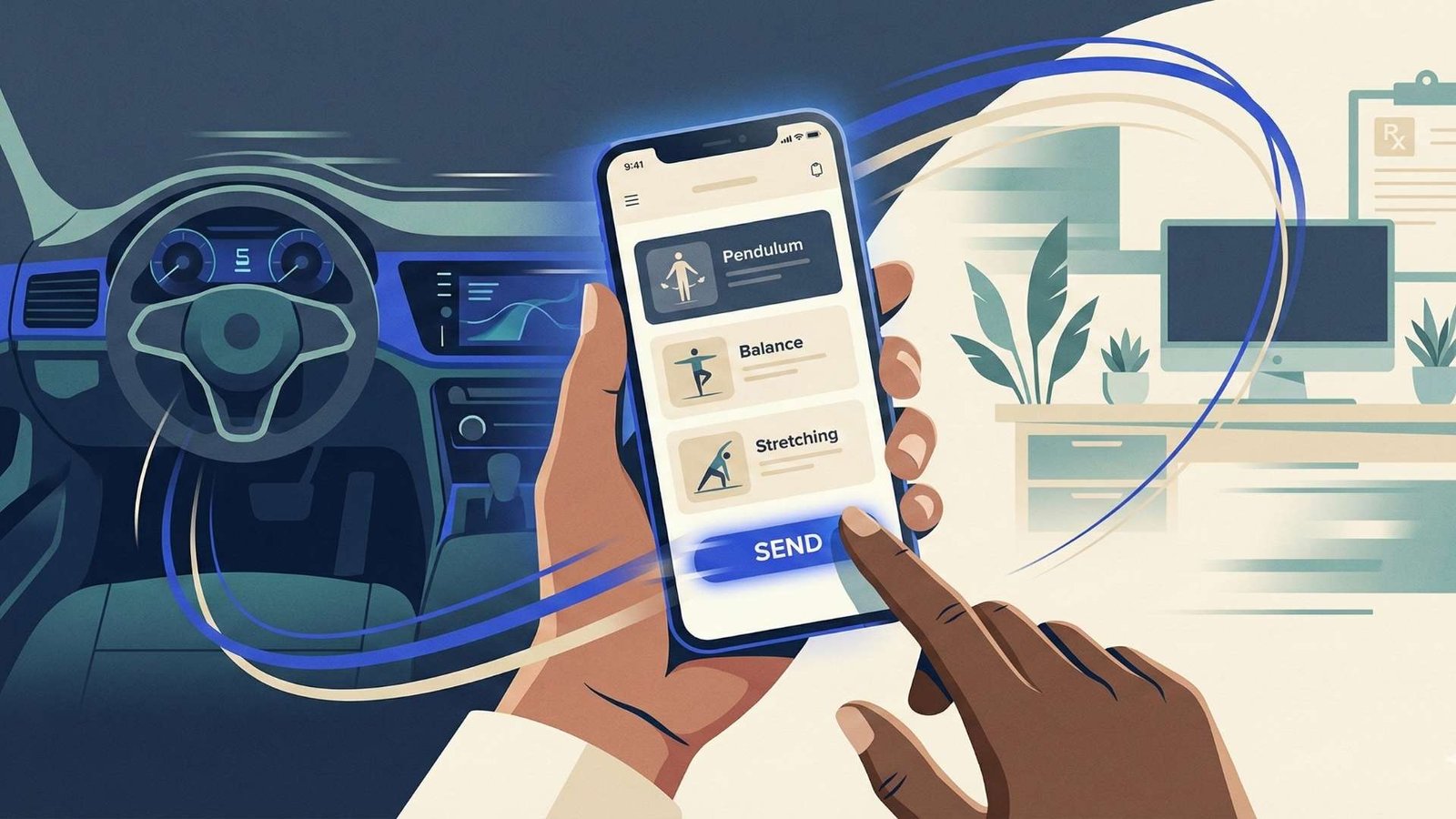
If you've ever spent 20 minutes after a visit hand-writing exercise instructions, photocopying blurry handout sheets, or wrestling with clunky desktop software that was clearly designed in 2008, there's a better way. SendHEP was built specifically for clinicians who need to create professional home exercise programs quickly — especially when you're working from your car between home health visits.
Here's exactly how it works, step by step.
1 Start a New Program
Open SendHEP on your phone or computer and tap New Program. You'll enter some basic information: the client's first name (or initials for privacy), the discipline (PT, OT, SLP), and any general instructions like frequency or precautions. This takes about 10 seconds.
2 Add Exercises
This is where SendHEP saves you the most time. You have two options for adding exercises:
Browse the Exercise Library — search or filter through 100+ exercises with professional illustrations. Tap any exercise to add it to your program. Each exercise comes with default parameters (sets, reps, hold time) that you can customize with a quick tap.
Use a Preset Pack — SendHEP includes preset exercise packs organized by common diagnoses like post-TKA, fall prevention, rotator cuff, and more. Select a pack to instantly add a curated set of exercises to your program, then customize as needed. This is the fastest path — an entire evidence-based program in one tap.
For most programs, you'll select 4–6 exercises. Each exercise shows a clear illustration so you can confirm it matches what you taught during the visit.
3 Customize Parameters
For each exercise, set the specific parameters for your client: number of sets, repetitions, hold time, frequency, and any special instructions. Tap the exercise card to open the detail view where you can adjust everything. Add notes like "perform on both sides" or "use chair for support" to make the instructions crystal clear.
4 Send to Your Client
When your program is ready, tap Send. SendHEP gives you two delivery options:
Share Link — generates a unique link you can text, email, or share however your client prefers. They open it on their phone and see their complete exercise program with illustrations, sets, reps, and your instructions. No app download required on their end.
PDF Download — generates a clean, professional PDF handout that you can print or share digitally. Perfect for clients who prefer paper or for facilities that require printed documentation.
That's it — from opening the app to sending the program, the whole process takes less than 2 minutes.
Why This Matters
Speed isn't just about convenience for you. The faster and easier it is to create a HEP, the more likely you are to provide one. Studies show that time pressure is one of the top reasons clinicians skip or shortcut the HEP — and clients without a clear home program have consistently worse outcomes.
Beyond speed, the format matters. A professional, illustrated HEP on your client's phone is always accessible. They can reference it while exercising, show it to a caregiver, or pull it up when they forget what you told them. It doesn't get lost under a pile of mail. It doesn't fade. It's always there.
What Clinicians Are Using SendHEP For
Home health visits — Create and send the HEP from your car before heading to the next visit. No laptop needed, no forms to fill out later.
Outpatient discharge — Build the discharge HEP during the last few minutes of the session and text it to the client before they leave the clinic.
Program updates — When a client progresses to the next phase, create a new program in minutes rather than rewriting everything from scratch.
Coverage collaboration — Share the HEP link with covering clinicians, caregivers, or family members so everyone is on the same page.
Get Started
Your first 10 programs are completely free — no credit card, no trial period, no catch. You get full access to the exercise library, preset packs, PDF generation, and shareable links.